

Wireless Camera Offline Issue
Wireless security systems have become an essential part of modern homes and businesses, offering real-time monitoring, remote access and enhanced protection. However, these devices depend heavily on a stable internet connection and uninterrupted power supply to function properly. When connectivity issues occur, users often encounter the frustrating wireless camera offline error, which can disrupt surveillance and compromise security. Whether it is caused by weak Wi-Fi signals, router problems, outdated firmware or power interruptions, the offline issue with wireless security cameras can prevent users from accessing live footage and receiving important alerts.
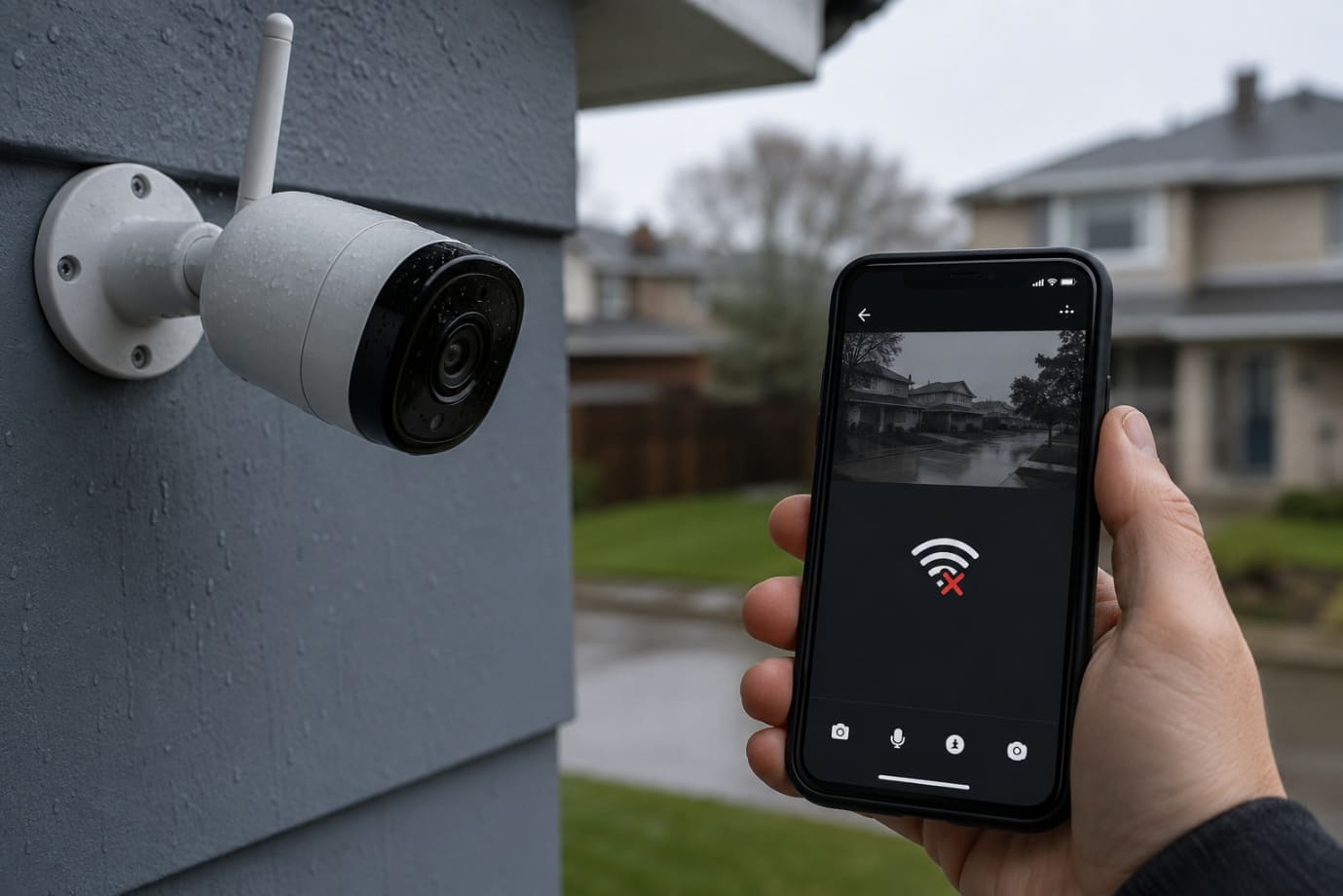
Many users frequently report that their wireless security camera offline notification appears suddenly, even when the internet seems to be working fine. In some cases, the wireless security camera keeps going offline repeatedly, making it difficult to maintain reliable monitoring. These recurring interruptions can be frustrating, especially when security cameras are installed to provide peace of mind and continuous protection.
In this blog, you will learn everything you need to know about resolving a wireless camera offline problem. We will cover the symptoms that users may notice when the offline issue occurs, most common causes behind this issue, quick fixes to restore your camera connection, advanced troubleshooting methods for persistent issues and practical prevention tips to ensure your wireless security system remains stable and reliable in the long run.
Symptoms Users May Notice When a Wireless Camera Offline Issue Occurs
When a wireless camera offline issue occurs, users may experience several warning signs that indicate the camera is no longer communicating properly with the network or mobile application. These problems can affect the overall performance and reliability of your home or office surveillance system. In many situations, the offline error appears suddenly, leaving users unable to monitor their property in real time. If your wireless security camera offline notification keeps appearing frequently, it may point to connectivity, power or software-related issues that require immediate attention.
Some of the most common symptoms include:
-
Live feed unavailable:
One of the first signs of a wireless camera offline problem is the inability to access the live video stream through the mobile app or web portal. The screen may freeze, remain black or display an offline status message.
-
Delayed notifications:
If your wireless security camera offline issue persists, motion alerts and security notifications may arrive late or stop working completely, reducing the effectiveness of your monitoring system.
-
Failed recordings:
A camera offline issue can interrupt cloud or local storage recordings, causing missing footage during important events or security incidents.
-
App connection errors:
Users often encounter repeated loading screens, timeout messages, or login issues when the wireless security camera keeps going offline due to unstable internet connectivity or app synchronization failures.
Recognizing these symptoms early can help users troubleshoot the offline issue with wireless security camera before it becomes a serious security concern.
Common Causes of Wireless Camera Offline Issues
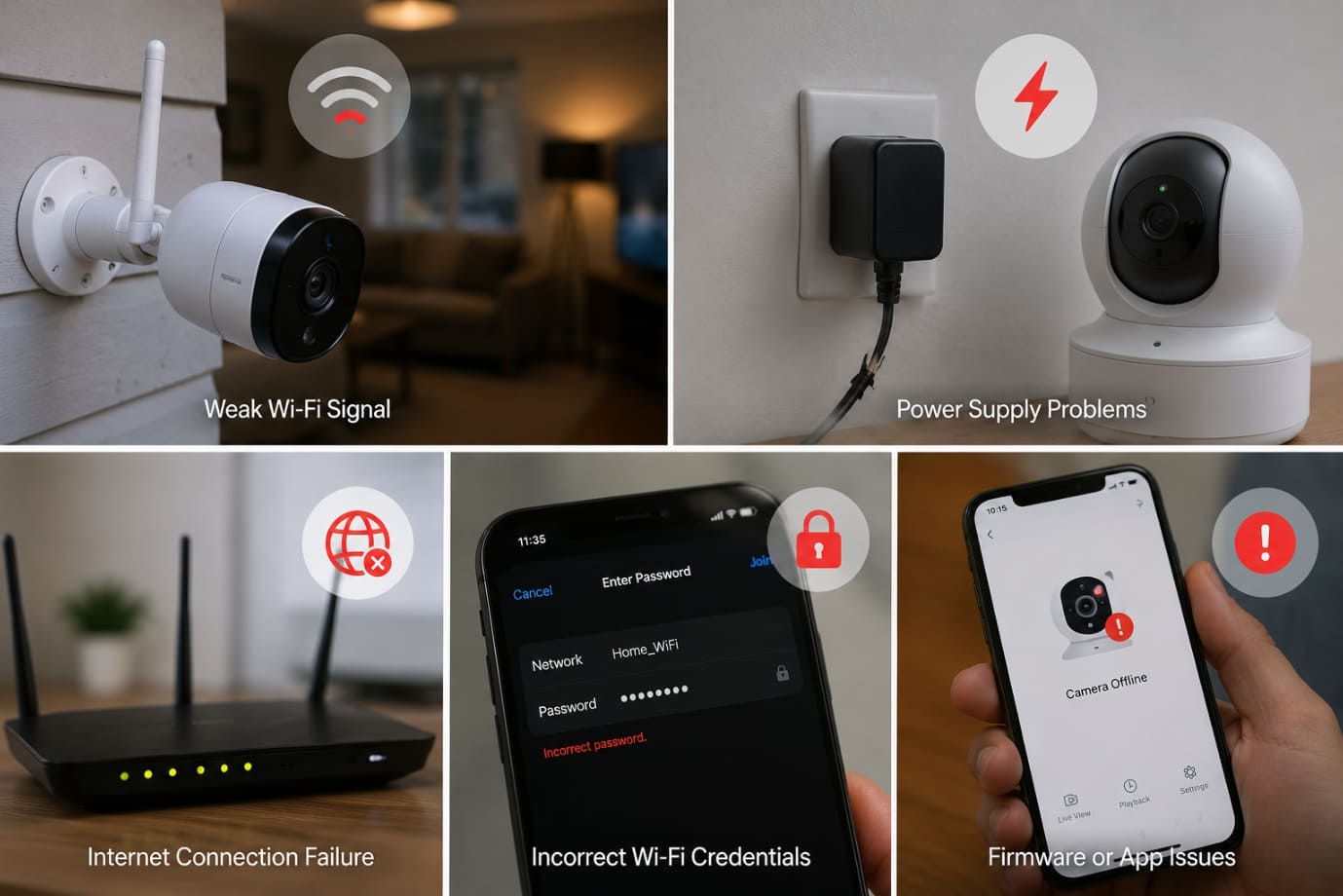
A wireless camera offline issue can occur due to several technical and environmental factors that interrupt the connection between the camera, router, and monitoring app. Understanding these causes can help users quickly identify why their wireless security camera offline notification keeps appearing and prevent future disruptions.
-
Weak Wi-Fi Signal:
A weak or unstable Wi-Fi connection is one of the most common reasons behind the offline If the camera is placed too far from the router, the signal strength may become too weak to maintain a stable connection. Thick walls, metal objects, electronic appliances, and other wireless devices can also interfere with the signal. In larger homes or offices, signal dead zones may develop where the camera cannot connect properly, causing the wireless security camera keeps going offline repeatedly.
-
Internet Connection Problems:
Internet-related issues can also trigger the offline Temporary ISP outages, slow internet speeds or limited bandwidth can interrupt communication between the camera and cloud servers. Frequent router disconnects or unstable broadband service may cause your wireless security camera offline alert to appear multiple times throughout the day.
-
Power Supply Issues:
Power interruptions are another major cause of a camera offline Battery-powered cameras may disconnect when the battery level becomes critically low. Loose cables, damaged charging ports or faulty power adapters can also stop the camera from functioning properly, resulting in a wireless camera offline error.
-
Incorrect Network Settings:
Changes in network settings often cause connectivity problems. If the Wi-Fi password has been changed or the router has been reset, the camera may fail to reconnect automatically. Some cameras only support 2.4GHz networks, so connecting them to a 5GHz band can cause the offline
-
Firmware or App Problems:
Outdated firmware, buggy mobile app updates, or device compatibility issues may lead to recurring wireless security camera offline Software glitches can interfere with communication between the app and camera system.
-
Camera Hardware Failure:
In some cases, the camera offline issue may result from hardware damage. Overheating, water exposure or internal component malfunctions can permanently affect camera performance and connectivity.
How to Fix a Wireless Camera Offline Issue
A wireless camera offline issue can interrupt your security monitoring and prevent you from accessing live footage when you need it the most. Fortunately, most connectivity problems can be resolved with a few simple troubleshooting steps. If your wireless security camera keeps going offline, follow the solutions below to restore a stable connection.
-
Check Your Internet Connection
An unstable internet connection is one of the leading causes of the offline issue with wireless security camera. Start by restarting your modem and router to refresh the network connection. Turn off both devices, wait for at least 30 seconds and then power them back on.
Next, test the internet connection on other devices such as smartphones, laptops or smart TVs. If all devices are experiencing slow speeds or disconnects, the issue may be related to your internet service provider. Running a speed test can also help determine whether your network has enough bandwidth to support your recovery process.
-
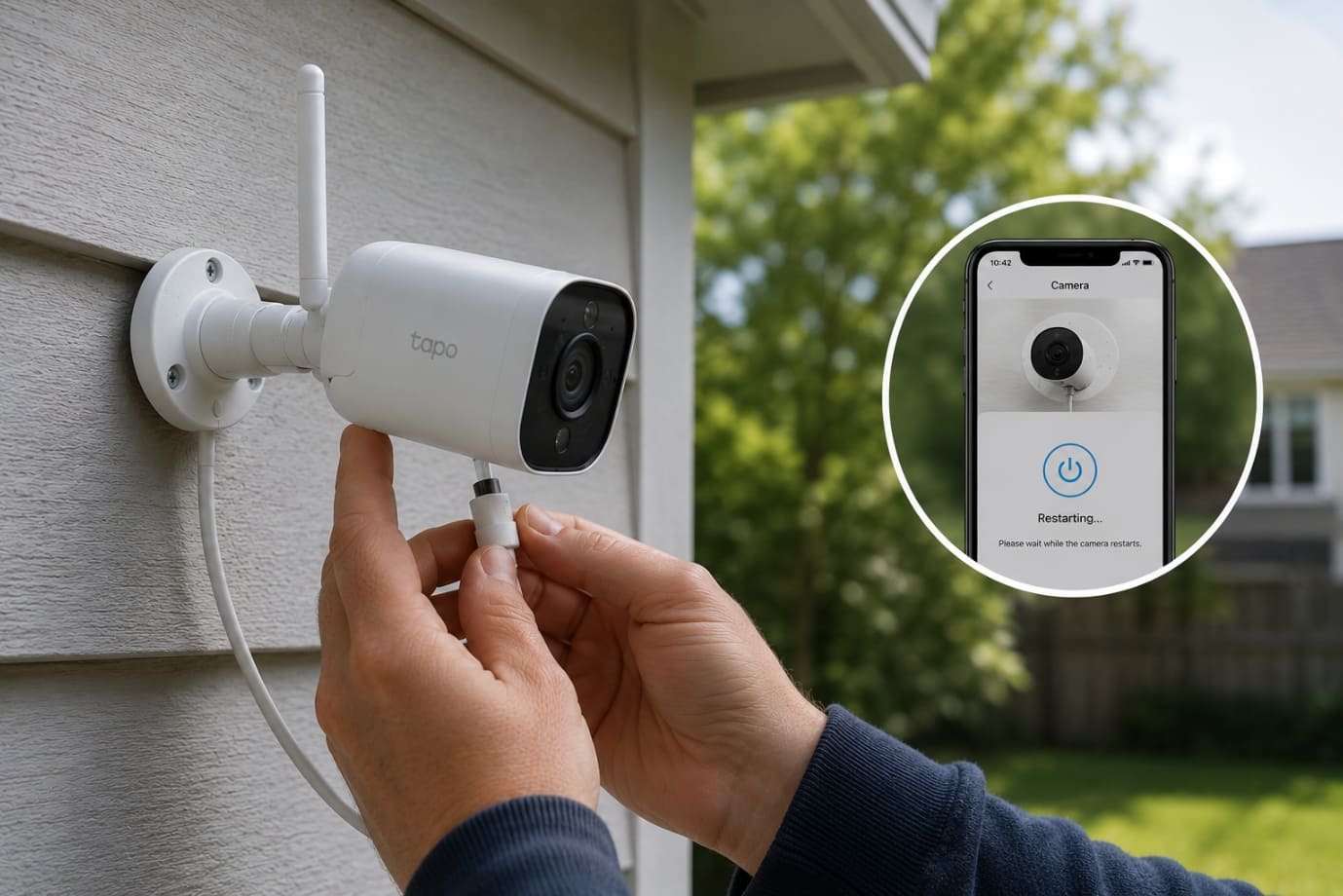
Restart the Wireless Camera
Sometimes a simple restart can fix a wireless security camera offline error. Perform a soft reboot using the camera app if the option is available. If the issue persists, unplug the camera from its power source, wait for about one minute and reconnect it. This power cycling process refreshes the camera system and can resolve temporary software glitches causing the camera offline problem.
-
Verify Wi-Fi Credentials
Incorrect network information can easily trigger the offline issue. Double-check the Wi-Fi password and ensure the camera is connected to the correct network name (SSID). Many users face problems because their camera supports only the 2.4GHz band while the router is operating on 5GHz. Verifying the correct Wi-Fi band can help prevent the wireless security camera keeps going offline issue.
-
Move the Camera Closer to the Router
Distance and interference can weaken wireless signals and lead to the offline notification. Try moving the camera closer to the router to improve signal strength. Thick walls, metal objects, microwaves and Bluetooth devices can interfere with Wi-Fi signals. Reducing these obstacles can significantly improve camera stability and prevent the camera offline error from reappearing.
-
Update Camera Firmware
Outdated firmware may cause bugs, connectivity failures and performance issues. Manufacturers regularly release firmware updates to improve security and device stability. If your wireless security camera keeps going offline, check the camera app or manufacturer’s website for available updates. Installing the latest firmware can fix known issues and improve overall reliability.
-
Check the Camera App
In some cases, the mobile application itself may be responsible for the wireless camera offline problem. Log out of the app and sign back in to refresh the connection. Clearing the app cache can remove corrupted temporary files that may interfere with performance. If the issue continues, uninstall and reinstall the app to ensure you are using the latest version compatible with your device.
-
Reset the Camera to Factory Settings
If none of the troubleshooting methods work, performing a factory reset may resolve the persistent offline issue. Resetting the camera removes saved settings and restores the device to its default configuration. Before resetting, make sure to note down your Wi-Fi credentials and camera settings. After the reset, reconnect the device to the network carefully to avoid another wireless security camera offline error.
-
Inspect Power Sources
An unstable power supply can also cause a wireless camera offline issue. Check whether the battery needs replacement or charging. Inspect all cables for visible damage, loose connections or wear and tear. Testing the power adapter with another compatible device can help determine whether the adapter is faulty. Reliable power sources are essential to prevent the issue where wireless security camera keeps going offline repeatedly.
Advanced Troubleshooting Tips to Fix Wireless Camera Offline Problem
If basic troubleshooting does not resolve the wireless camera offline issue, advanced network adjustments may help restore a stable connection. Persistent connectivity problems often indicate deeper router, network or signal-related issues. These advanced solutions can help users prevent repeated wireless security camera offline notifications and improve overall camera performance.
-
Assign a Static IP Address
Dynamic IP addresses assigned by routers can sometimes change automatically, leading to connection interruptions and a recurring offline error. Assigning a static IP address to your camera ensures the device always uses the same network address. This helps prevent IP conflicts between connected devices and reduces the chances of your wireless security camera going offline unexpectedly.
-
Check Router Firewall Settings
Router firewall settings may block communication between the camera and cloud servers, resulting in a wireless camera offline problem. Check whether the necessary ports and permissions are enabled in your router settings. Overly strict firewall configurations can prevent your wireless security camera offline system from maintaining a secure and stable connection.
-
Reduce Network Congestion
Too many connected devices can overload your network and trigger the wireless camera offline issue. Disconnect unused smartphones, smart TVs, gaming consoles or IoT devices to free up bandwidth for your camera system. If your router is outdated, upgrading to a modern dual-band or Wi-Fi 6 router can improve performance and reduce the risk of your wireless security camera going offline frequently.
-
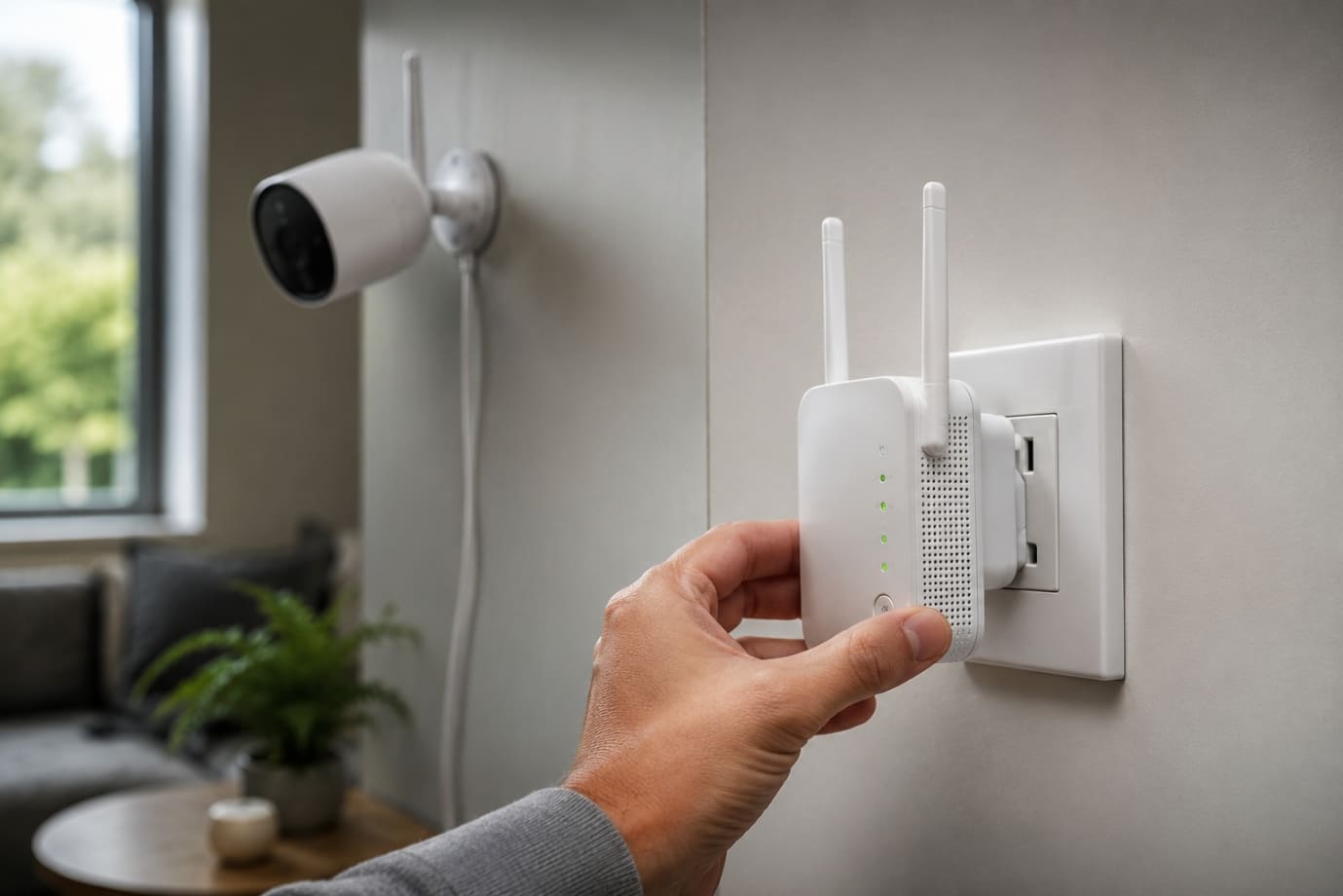
Use Wi-Fi Extenders or Mesh Systems
Weak signal coverage is another common reason behind a wireless camera offline issue. Installing Wi-Fi extenders or mesh Wi-Fi systems can improve connectivity in areas with poor signal strength. For best results, place extenders midway between the router and camera to maximize coverage and maintain a reliable connection for your wireless security camera.
How to Prevent Wireless Cameras from Going Offline
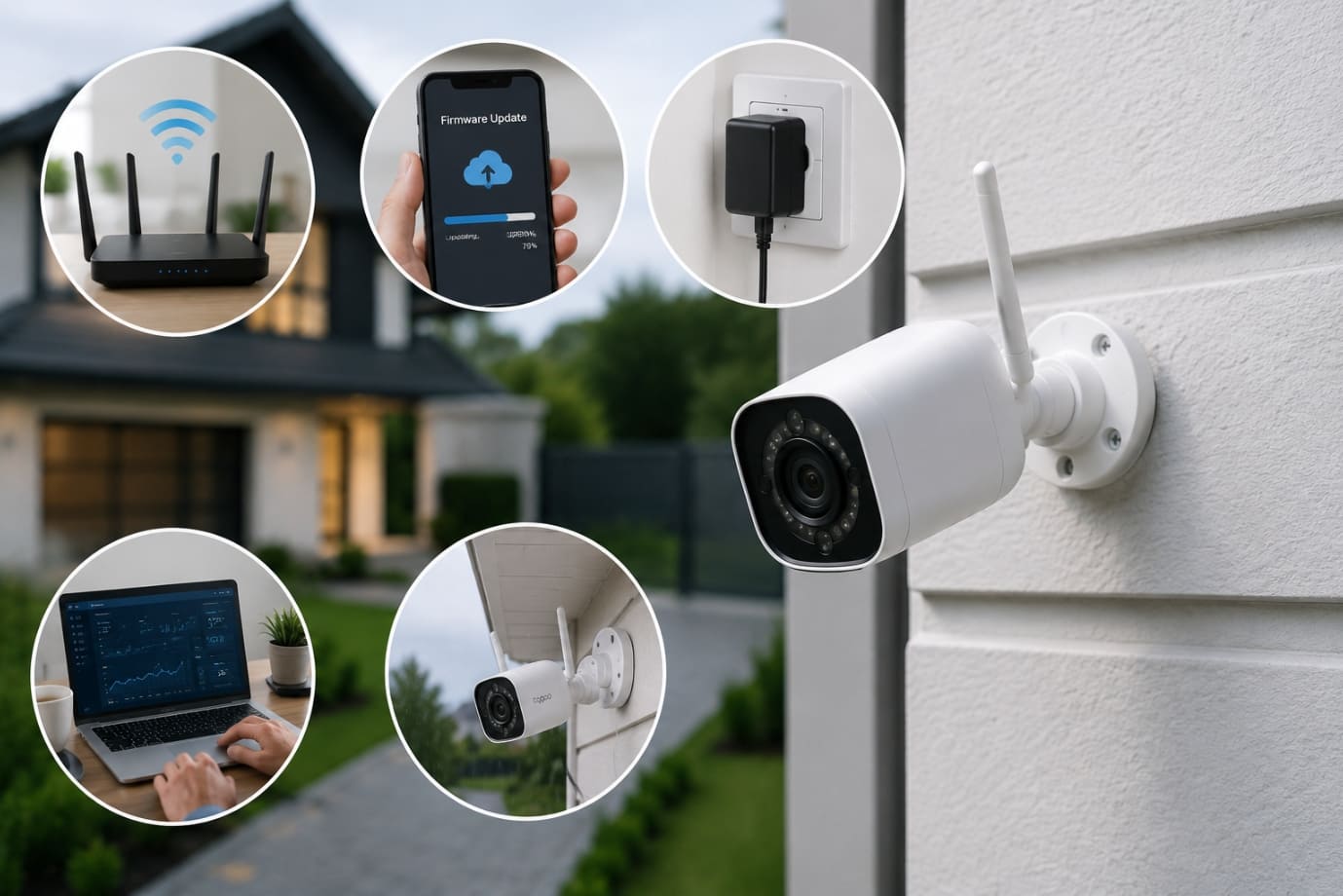
Preventing a wireless camera offline issue is much easier than repeatedly troubleshooting connectivity problems. With proper maintenance and stable network management, users can reduce the chances of experiencing a recurring camera offline error and ensure continuous surveillance performance. Taking proactive steps can also prevent situations where the wireless security camera keeps going offline unexpectedly.
-
Maintain Strong Wi-Fi Coverage:
Strong Wi-Fi coverage is essential for avoiding the offline Place the router in a central location and minimize obstacles such as thick walls, metal surfaces and electronic interference. In larger homes or offices, Wi-Fi extenders or mesh systems can help improve signal strength and eliminate dead zones that often trigger a wireless camera offline issue.
-
Regularly Update Firmware:
Firmware updates are important for maintaining security, fixing bugs, and improving device performance. Outdated software can increase the risk of a wireless camera offline Regularly checking for updates through the camera app or manufacturer’s website helps ensure stable connectivity and prevents compatibility issues.
-
Use Reliable Power Sources:
An unstable power supply is a common reason behind a wireless security camera offline Always use high-quality adapters, inspect cables regularly and replace weak batteries on time. Proper battery maintenance can greatly reduce the chances of your wireless security camera going offline during critical monitoring periods.
-
Monitor Network Stability:
Monitoring internet performance can help prevent recurring offline problem with wireless security camera. Scheduled router restarts can refresh network connections and improve stability. Secure your network with strong passwords and updated encryption settings to avoid unauthorized access that may affect camera performance.
-
Perform Routine Device Maintenance:
Routine cleaning and maintenance are essential to prevent hardware-related wireless camera offline Protect outdoor cameras from dust, rain and extreme weather conditions. Keeping the camera lens and vents clean can prevent overheating and maintain smooth operation for long-term reliability.
FAQs
Q1. Why does my wireless camera offline message appear repeatedly?
- A wireless camera offline message usually appears due to weak Wi-Fi signals, unstable internet connections, outdated firmware or power supply interruptions. Checking your router connection and updating the camera software can often resolve the issue.
Q2. Can internet speed affect a wireless camera offline problem?
- Yes, slow internet speed can easily trigger a wireless camera offline issue. Security cameras require stable bandwidth for live streaming, cloud recording, and motion notifications. Insufficient bandwidth may cause delays and connection failures.
Q3. How far should a camera be placed from the router to avoid a camera offline issue?
- To prevent a wireless security camera offline issue, place the camera within the recommended Wi-Fi range of the router. Avoid installing the camera behind thick concrete walls or near large metal objects that weaken wireless signals.
Q4. Does router frequency affect a wireless security camera keeps going offline problem?
- Yes, many cameras support only 2.4GHz networks. Connecting the camera to a 5GHz band can cause the issue of a wireless security camera going offline because the device may not support that frequency.
Q5. Can too many connected devices cause a wireless camera offline issue?
- Yes, network congestion from multiple connected devices can reduce bandwidth and lead to the offline issue with wireless camera. Disconnecting unused devices can improve network stability and camera performance.
Conclusion
A wireless camera offline issue can be frustrating, especially when your security system is expected to provide continuous monitoring and protection. From weak Wi-Fi signals and unstable internet connections to outdated firmware, incorrect network settings and hardware failures, there are several reasons why a camera offline error may occur. Fortunately, most of these problems can be resolved through simple troubleshooting methods such as restarting the router, updating firmware, checking Wi-Fi credentials, improving signal strength and inspecting power sources.
Maintaining a stable internet connection and performing regular device maintenance are essential to prevent recurring wireless security camera offline problems. Strong Wi-Fi coverage, routine firmware updates, secure network practices and proper battery care can significantly reduce the chances of your wireless security camera keeps going offline unexpectedly. Taking proactive steps not only improves camera performance but also ensures reliable surveillance when you need it the most.
If your wireless camera offline issue still persists even after following all the troubleshooting and prevention steps mentioned above, it is recommended to contact the official support team of your camera brand for professional assistance. You can also contact us through the support number provided on our Homepage for a quick and personalized solution to resolve your wireless security camera offline problem efficiently.
 Call Voice Support