

Wireless Security Camera Set Up
In today’s fast-evolving digital world, ensuring the safety of your home or business has become more important than ever. With rising concerns around theft, unauthorized access, and property monitoring, investing in a wireless security camera system is no longer a luxury—it’s a necessity. Whether you own a small shop or want better protection for your family, a reliable security camera can provide peace of mind and real-time surveillance.
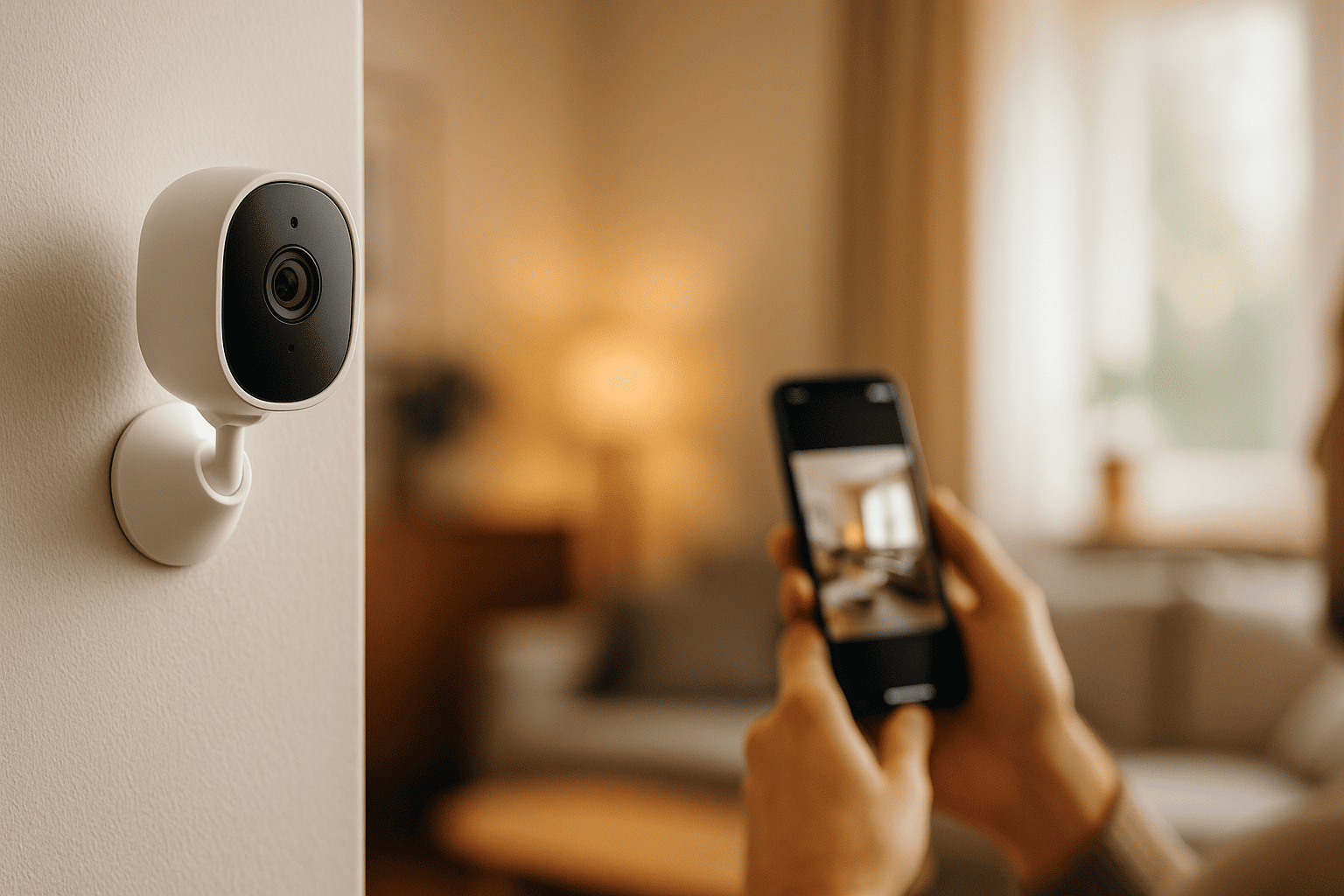
Over the past few years, there has been a significant rise in the adoption of battery powered wireless security cameras due to their convenience and advanced features. Unlike traditional wired systems, these cameras eliminate complex wiring, making them the easiest to install.
One of the biggest advantages when you install wireless security camera systems is flexibility. You can easily reposition devices, expand coverage, and complete your set up without structural changes. Additionally, the cost-effectiveness of a wireless security camera set up makes it accessible to a wider audience.
In this blog, you’ll learn how to install wireless camera systems step-by-step, including proper placement, seamless set up processes, and troubleshooting common issues to ensure optimal performance.
What is a Wireless Security Camera System?
It is a modern surveillance solution that transmits video footage over a WiFi or network connection instead of using traditional cables. This makes the entire security camera set up simpler, faster, and more flexible. Whether you want to set up surveillance camera at home or monitor a business space, these systems are designed for convenience and remote accessibility.
At its core, a wireless security camera works by capturing video through the camera unit and sending it to a connected device via the internet. This allows users to view live footage, receive alerts, and manage their camera set up from anywhere using a smartphone or computer.
Key Components of a Wireless System
- Camera Unit: Includes various types like a bullet camera for outdoor use or compact indoor models
- WiFi/Network Connection: Essential for transmitting data during set up
- Mobile App / Cloud Storage: Enables remote viewing, storage, and control of your security camera set up
Types of Wireless Security Cameras
- Indoor vs Outdoor Cameras
- Indoor cameras are compact and ideal for monitoring rooms
- Outdoor cameras are weatherproof and built for durability
- Battery vs Plug-in Models
- Battery powered wireless security cameras are the easiest security cameras to install and require minimal wiring
- Plug-in cameras offer continuous power but need nearby outlets
- PTZ vs Fixed Cameras
- PTZ cameras allow remote movement; it’s installation is ideal for large areas
- Fixed cameras provide a steady view for specific zones
For advanced users, combining systems like nvr camera system setup with wireless options can enhance storage and monitoring capabilities. Overall, learning how to install wireless camera systems ensures a smooth and efficient set up experience tailored to your needs.
Things to Consider before Setting up Wireless Security Camera
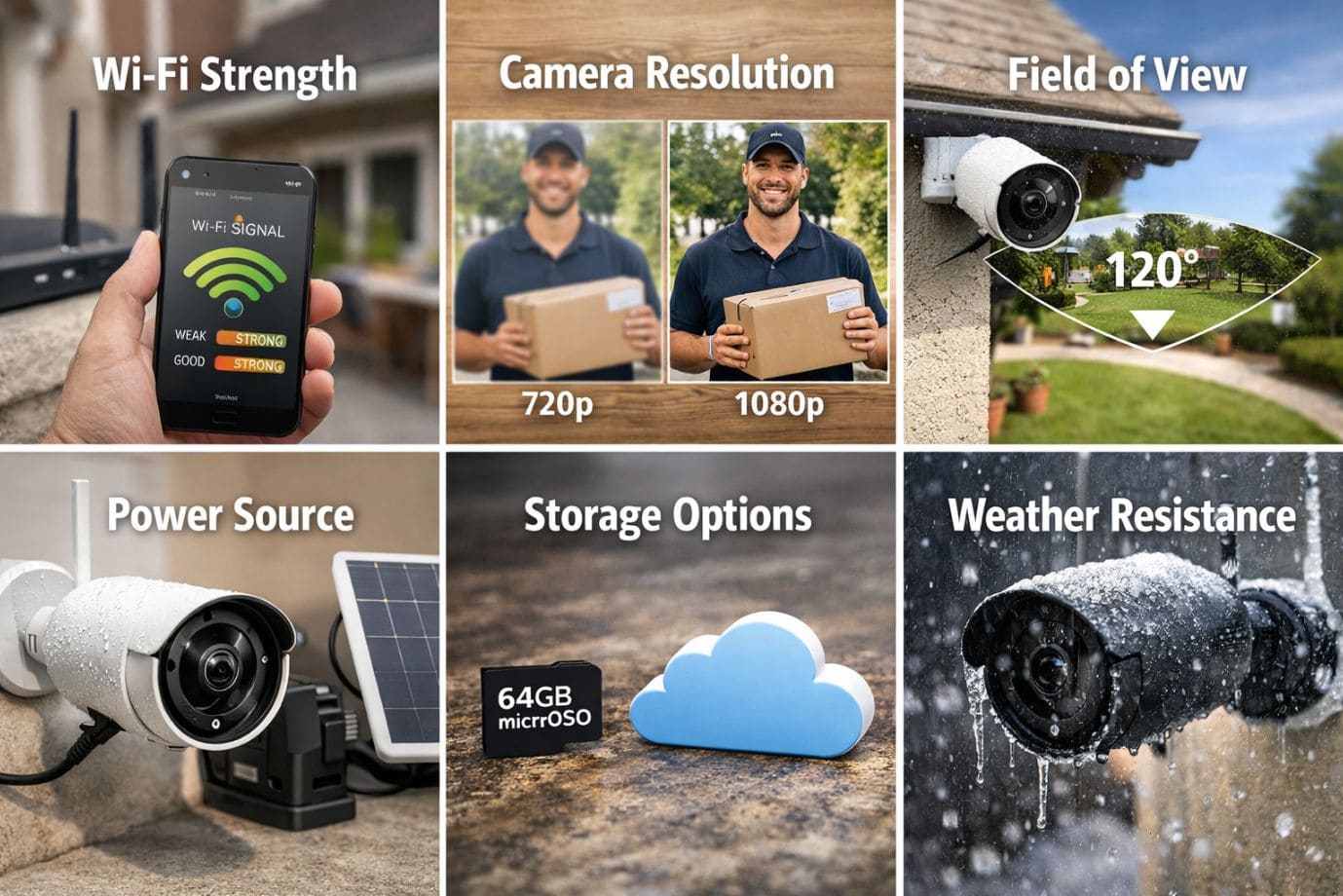
Before you install wireless security camera systems, proper planning is essential for a smooth and efficient set up. Whether you’re planning to set up for home or a small business, understanding key factors will help you avoid common mistakes and ensure optimal performance.
Internet Requirements
A stable internet connection is the backbone of any wireless security camera system.
- Minimum Speed: At least 5–10 Mbps per camera is recommended for smooth streaming
- Router Placement: Keep your router centrally located to avoid signal drops during set up
A weak connection can disrupt your camera system and lead to delays or poor video quality.
Camera Features
Choosing the right features is crucial when planning your security camera installation:
- Resolution: Opt for 1080p, 2K, or 4K for clear footage
- Night Vision: Essential for 24/7 monitoring
- Motion Detection & Alerts: Real-time notifications improve security
Advanced options like bullet camera models or ptz cameras are great for wider coverage.
Storage Options
Storage plays a key role in your wireless security camera set up:
- Cloud Storage: Remote access but may require subscription
- SD Card Storage: One-time cost, stored locally
Some setups, like nvr camera system setup, offer centralized storage for multiple cameras.
Power Source
- Battery Powered: These are among the easiest security cameras to install
- Wired Options: Provide continuous power but limit flexibility
- Solar Cameras: Ideal for outdoor set up at home
Tools & Equipment Needed
To set up camera systems efficiently, keep these tools ready:
- Drill machine (for mounting cameras securely)
- Screws and anchors
- Smartphone
- Stable WiFi connection
With the right preparation, your set up process becomes quick, reliable, and hassle-free.
Step-by-Step Wireless Security Camera Set up
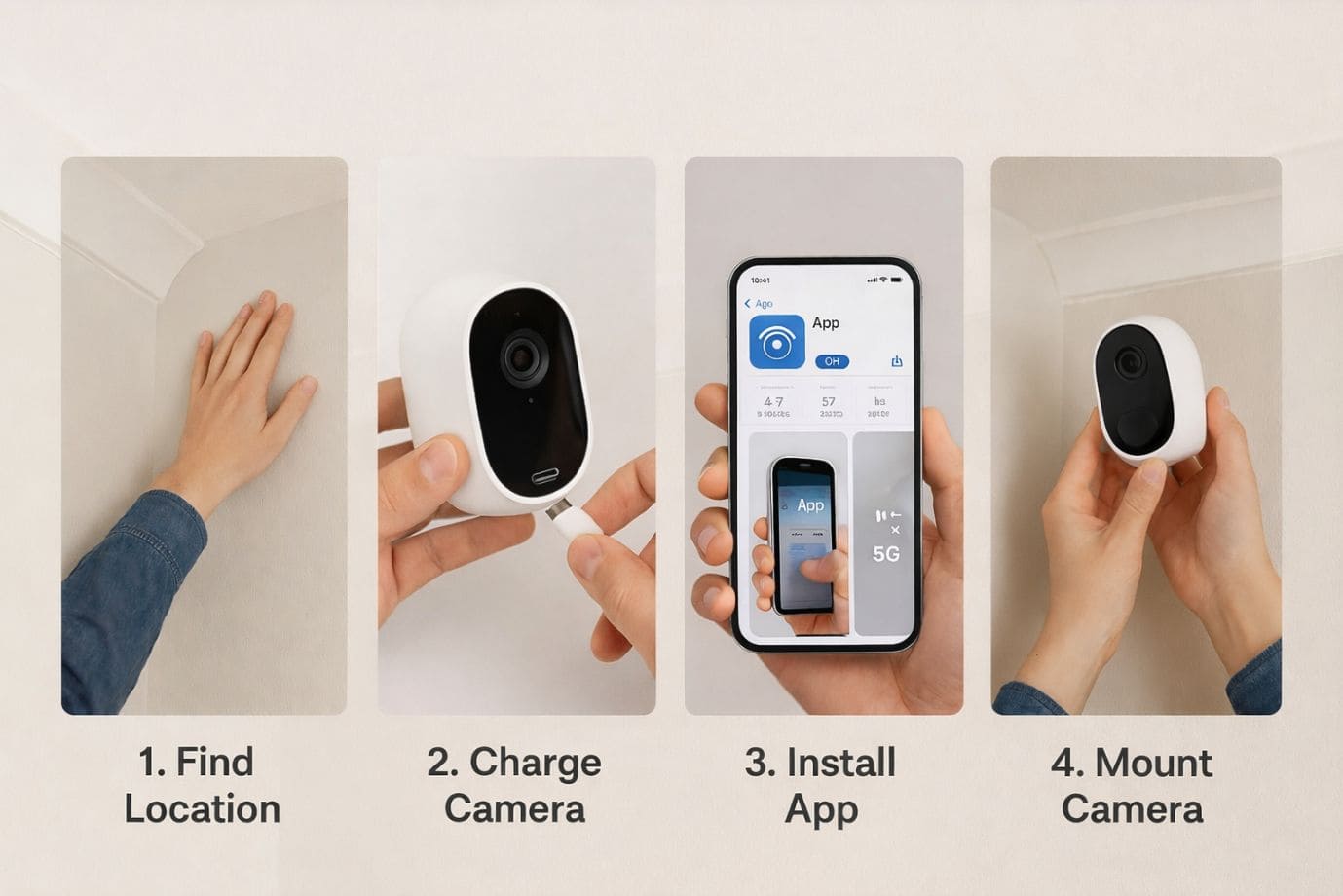
Setting up a wireless security camera is easier than ever, especially with modern devices designed for quick installation. Whether you’re planning a complete set up for home or just adding a single device, following these steps will ensure a smooth and effective set up.
Step 1 – Unbox and Charge
Start by carefully unboxing your device and checking all included components such as the camera unit, mounting kit, and user manual. If you’re using battery powered wireless security cameras, fully charge them before starting the set up. This ensures uninterrupted setup and testing.
Step 2 – Install the Mobile App
Download the official app from the App Store or Play Store based on your device. Create an account and log in. Most brands guide you step-by-step, making this part of the set up process easier. The app will act as your control center for the entire wireless security camera set up.
Step 3 – Connect Camera to WiFi
To install wireless security camera systems, connect your device to WiFi using a QR code scan or manual setup. Ensure a strong and stable signal to avoid interruptions. This step is crucial when learning how to install wireless camera systems efficiently, especially for larger spaces or advanced setups like nvr camera system.
Step 4 – Position the Camera
Before final installation, temporarily place the camera in your desired location. This helps you test angles and coverage while you set up camera settings. Whether it’s a bullet camera for outdoors or an indoor unit, adjust the angle to eliminate blind spots during the installation.
Step 5 – Mount the Camera
Once satisfied with the position, mount the device securely. Drill holes, fix the mounting bracket, and attach the camera firmly. Proper mounting is essential when you set up surveillance camera at home to ensure long-term stability and safety.
Step 6 – Configure Settings
Complete your security camera set up by customizing settings such as motion detection zones, alerts, and video quality. For advanced setups like ptz camera installation, configure pan and zoom controls for better coverage.
By following these steps, your set up process becomes seamless, secure, and highly effective.
How to Access and Monitor Your Wireless Security Camera
Once your wireless security camera is successfully installed, the next step is learning how to access and monitor it efficiently. A well-configured set up allows you to stay connected to your property at all times, whether you’re at home, at work, or traveling. Modern systems are designed to make monitoring simple, intuitive, and highly responsive.
With advancements in installation, most cameras now come with dedicated mobile apps and smart integrations that give you full control over your surveillance system.
Key Ways to Access and Monitor Your Cameras
- Live View via Mobile App: Instantly stream real-time footage from your wireless security camera using the official app. This feature ensures you can check in on your home or office anytime with just a few taps.
- Remote Monitoring: One of the biggest advantages of a smart camera set up is remote access. Even when you’re miles away, you can monitor activity, review recordings, and receive alerts directly on your smartphone.
- Multi-Device Access: Share access with family members or team members. A properly configured home security camera installation allows multiple users to log in and monitor the system simultaneously.
- Smart Home Integration: Many systems integrate seamlessly with smart home devices like voice assistants and automation platforms, making your wireless security camera part of a larger connected ecosystem.
With these features, your security camera becomes more than just surveillance—it becomes a complete, intelligent security solution.
Security Tips for Wireless Security Cameras
Securing your wireless security camera is just as important as installing it. Without proper protection, your surveillance system could be vulnerable to unauthorized access or cyber threats. By following a few essential practices, you can ensure your camera remains safe and reliable.
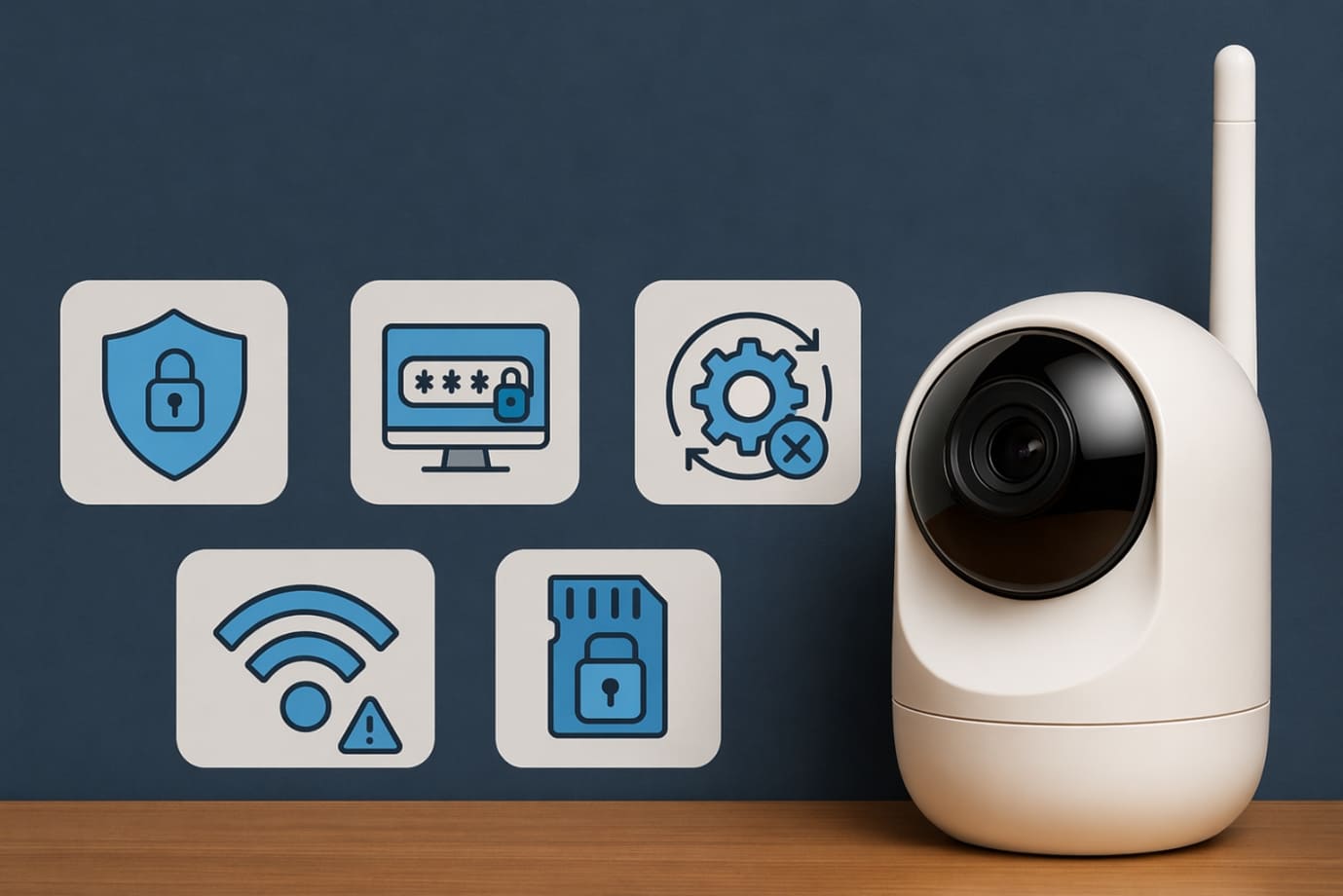
- Use Strong Passwords: Always create a unique and complex password for your wireless security camera account. Avoid using default credentials, as they are easy targets for hackers.
- Enable Two-Factor Authentication (2FA): Adding an extra layer of security helps protect your wireless security camera from unauthorized logins. Even if someone gets your password, they won’t be able to access your system without verification.
- Regular Firmware Updates: Keep your wireless security camera updated with the latest firmware to fix bugs and patch security vulnerabilities.
- Secure Your WiFi Network: Use a strong WiFi password and encryption (WPA3 or WPA2) to prevent outsiders from accessing your camera feed.
By implementing these steps, your wireless security camera system stays protected and performs at its best.
Troubleshooting Common Issues with Wireless Security Camera Set Up
Even after a successful installation of wireless security camera, you may occasionally face minor technical issues. The good news is that most problems can be resolved quickly with a few adjustments during or after completing your set up.
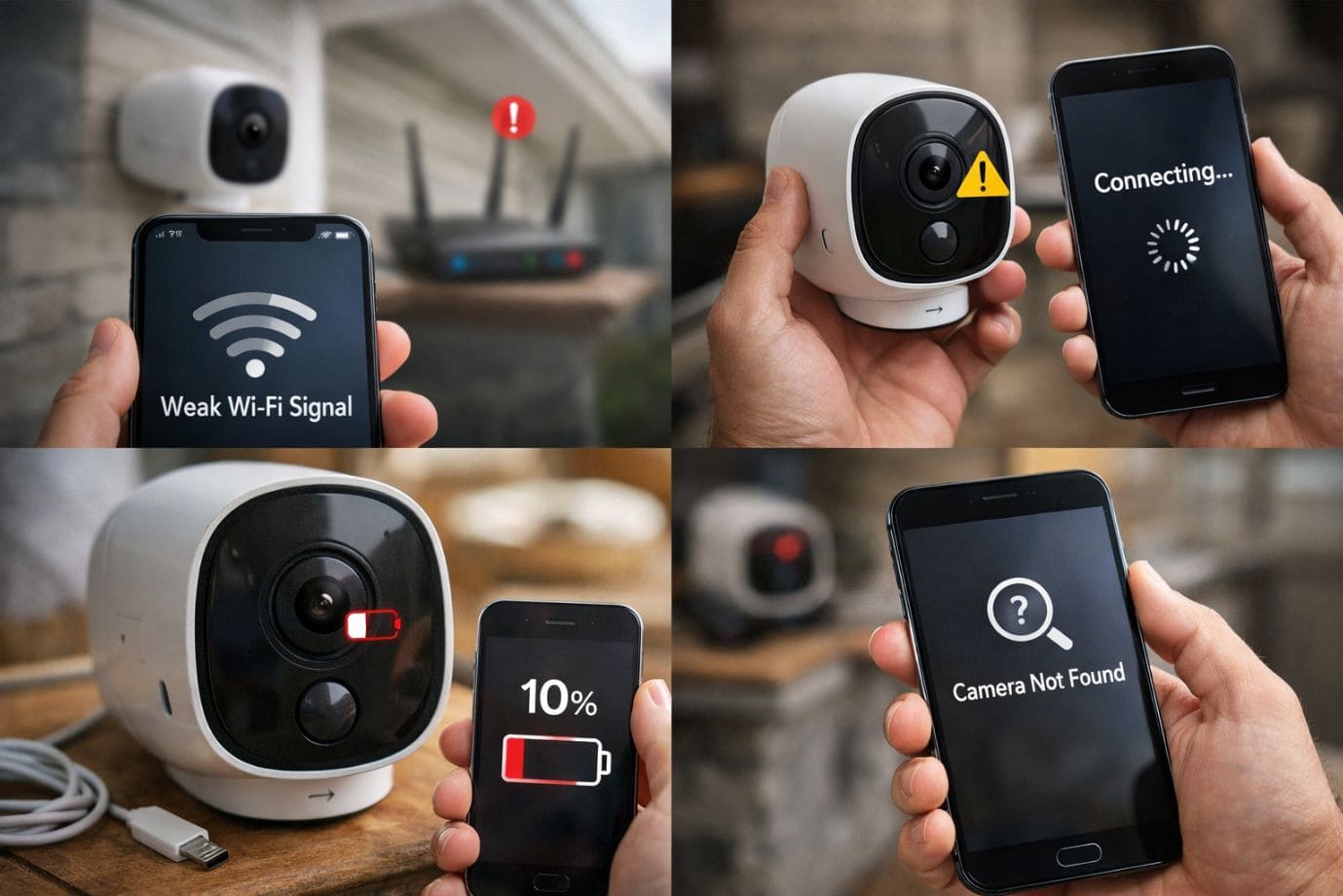
Camera Not Connecting to WiFi
If your wireless security camera fails to connect:
- Reset the device and restart the set up process
- Ensure your network supports 2.4GHz, as many cameras don’t work well with 5GHz
This is a common issue when learning how to install wireless camera systems, especially during initial phase.
Poor Video Quality
Blurry or lagging footage can affect your monitoring:
- Adjust resolution settings in your camera app.
- Improve bandwidth by limiting devices on your network
This is especially important for high-resolution devices like a bullet camera or setups involving nvr camera system.
Battery Draining Quickly
For battery powered wireless security cameras, fast battery drain can be frustrating:
- Reduce motion detection sensitivity and alerts
- Lower recording frequency or switch to event-based recording
These tweaks help maintain efficiency, especially when you set up surveillance camera at home or manage multiple devices.
By addressing these issues early, your set up becomes more reliable. Whether you install wireless security camera systems or handle advanced setups, proper troubleshooting ensures smooth, long-term performance.
Wireless vs Wired Security Cameras
When choosing between a wireless security camera and a wired system, understanding their pros and cons is essential for the right set up.
A wireless security camera offers easy installation and flexibility. It simplifies your set up process since there’s no need for complex wiring. These systems are ideal for renters or anyone looking for quick DIY installation and remote access.
On the other hand, wired cameras provide more stable connections and are less dependent on WiFi. They are better suited for large properties where a permanent security camera set up is required.
When to choose each:
- Choose a wireless security camera for convenience, portability, and easy set up
- Choose wired systems for long-term reliability and uninterrupted surveillance
Ultimately, your choice depends on your space, budget, and how simple or advanced you want your cam set up to be.
FAQs
Q1. What is a wireless security camera and how does it work?
- A wireless security camera connects to your WiFi network to transmit video footage without physical cables. It simplifies your set up and allows remote monitoring through a mobile app, making it ideal for modern needs.
Q2. Are battery powered wireless security cameras reliable for home use?
- Yes, battery powered wireless security cameras are highly reliable and among the easiest security cameras to install. They are perfect for quick set up at home or office, especially where wiring is difficult.
Q3. How do I install wireless security camera systems at home?
- To install wireless security camera systems, you need to unbox, connect to WiFi, and configure settings via an app. Learning how to install wireless camera setups step-by-step makes your installation smooth and efficient.
Q4. What is the best location to set up surveillance camera at home?
- The best places to set up surveillance camera at home include entry points, hallways, and outdoor areas. Proper placement ensures your camera covers all blind spots effectively.
Q5. What internet speed is required for a smooth wireless security camera setup?
- A stable connection of at least 5–10 Mbps is recommended. This ensures smooth streaming during your wireless security camera set up and daily monitoring.
Q6. Are wireless systems really the easiest security cameras to install?
- Yes, a wireless security camera is considered one of the easiest to install because it eliminates complex wiring and simplifies the entire set up process.
Conclusion
Setting up a wireless security camera system is no longer a complicated task. With the right approach, you can complete your set up smoothly by following simple steps like unboxing, connecting to WiFi, positioning, and configuring settings. Whether you choose battery powered wireless security cameras, a bullet camera, or advanced options like ptz camera, modern systems are designed to make home security camera installation easier than ever.
One of the biggest advantages is that these are among the easiest security cameras to install, allowing homeowners to confidently set up camera systems without technical expertise. From basic set up to more advanced configurations like nvr camera system, you now understand how to install wireless camera systems efficiently for maximum coverage.
However, while DIY set up is convenient, opting for professional help can ensure optimal placement, proper configuration, and long-term reliability. Choosing experts like us, to install wireless security camera systems can help avoid technical issues and ensure a seamless set up for home. You can contact us by the support number provided on our Homepage.
Now is the perfect time to upgrade your security. Take action today and create a safer environment with a reliable wireless security camera system.
 Call Voice Support